Case study
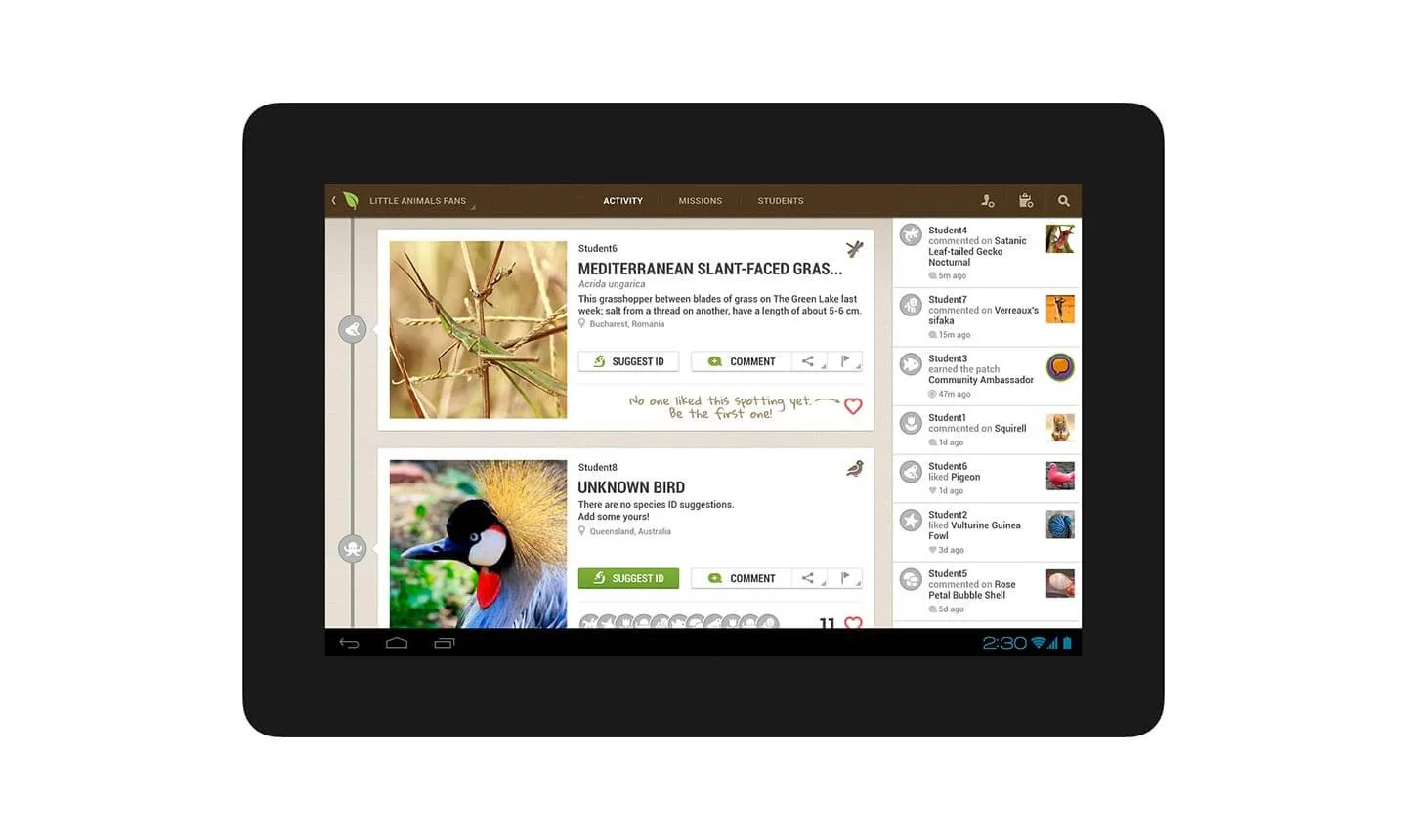
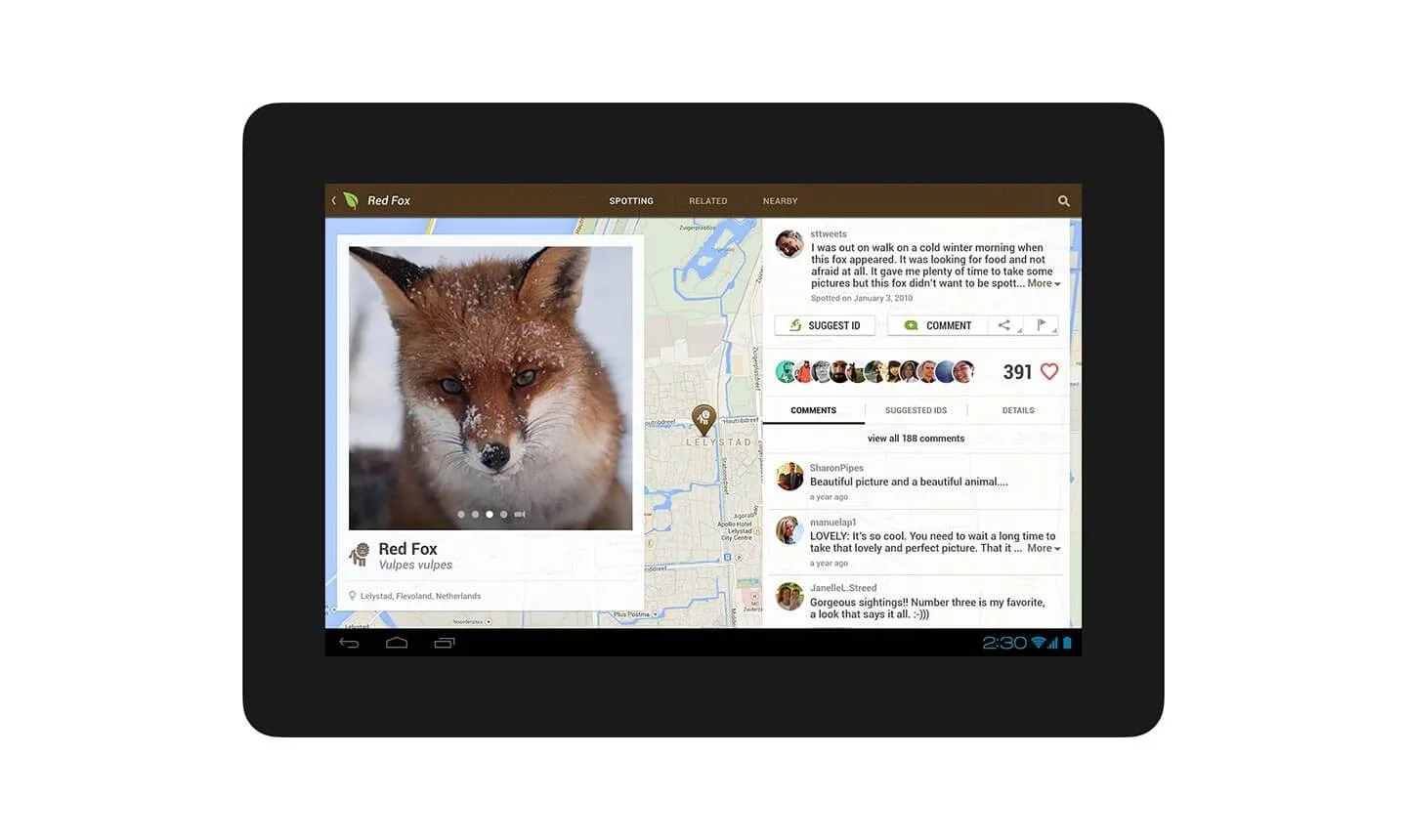
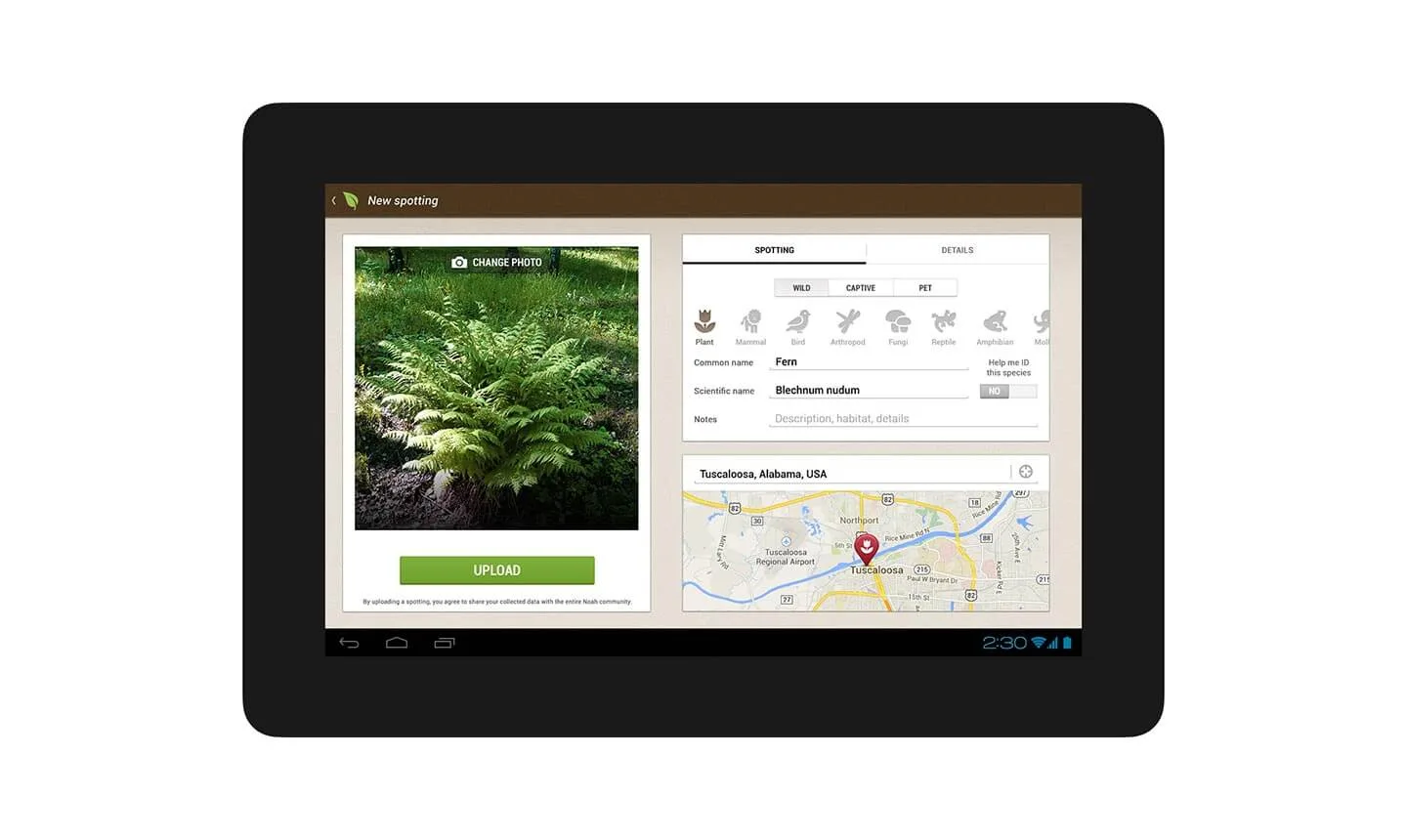
Amplify builds educational software for K–12 students across the US. We took an existing Amplify learning experience onto tablets for the classroom, adding digital classroom functionality along the way. Our team designed, developed, tested and shipped the application in six months.
The challenge
A classroom is a demanding place for software. A tablet in a student's hands competes with everything else in the room, and every second spent working out the interface is a second lost from the lesson. The app has to support how a class actually runs, rather than ask teachers and students to adapt to a generic consumer design.
Amplify already had an educational product experience. The task was to bring it to a new device and a new setting, and to add digital classroom features while doing it. Moving a product to a tablet is not a matter of shrinking screens. It means deciding what must stay the same for continuity and what should change for touch input and classroom use.
What we built
We owned the tablet user experience and the end-to-end delivery of the application, from design through development, testing and release.
Designing for a lesson, not a feed
On a classroom tablet, context is everything. A student should always know the current activity, what they are expected to do next and how to get back to the lesson.
Reworking an existing experience
We treated the move to tablet as a workflow problem, not a screen-by-screen translation. The question at each step was what should stay consistent for continuity and what should adapt to touch interaction and classroom use.
Shipping the whole cycle
Our team covered the complete delivery: design, development, testing and shipment, all within six months.
How the pieces fit together
How a student moves through a lesson on the Amplify tablet app.
Conceptual workflow
- User or operator
- Product experience
- Business workflow
- External or internal data/services
- Visible outcome or operational record
What changed
The tablet application shipped in six months and was made available alongside Amplify's educational software for K–12 students across the US. Amplify's CTO, Martin Ceperely, gave us a testimonial for the work.
How we'd build this today
How we'd build it today
Cortex came after this project. Bringing a learning product to classroom tablets today, we would run separate Missions for lesson navigation, accessibility, layouts across tablet sizes and classroom routines. Cortex Pods can generate test data and alternative screen layouts, while our designers decide what works for teachers and students.
The tests would check that:
- Students and teachers can finish real classroom tasks, and we can measure how long each takes.
- Touch targets, keyboard use and larger text sizes all work.
- A student never loses their place in a lesson after an interruption.
- Nothing reaches a classroom until it has passed on the test devices.
We would test with children of the right ages, on the tablets schools actually use, with real lessons.
Frequently asked questions
What did CognitiveClouds build for Amplify?
A tablet application for the classroom. We owned the tablet user experience and end-to-end delivery, designing, developing, testing and shipping it in six months.
Who uses it?
The app was made available alongside Amplify's educational software for K–12 students across the US.
Was Cortex used on the original project?
No. The plan above is how we would use Cortex on a classroom app now.
Building for schools? See more education projects or read how Cortex works.