
Case study
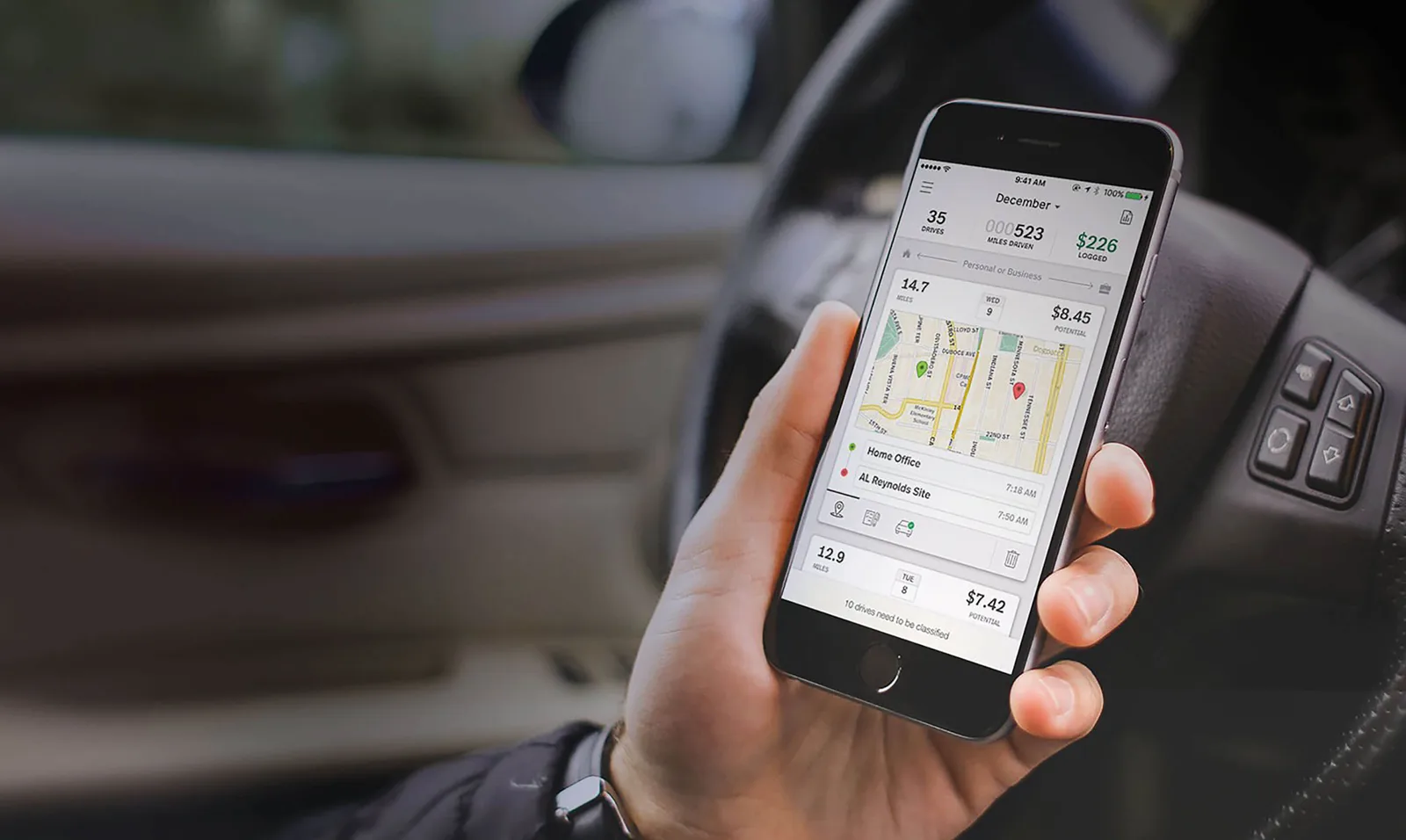
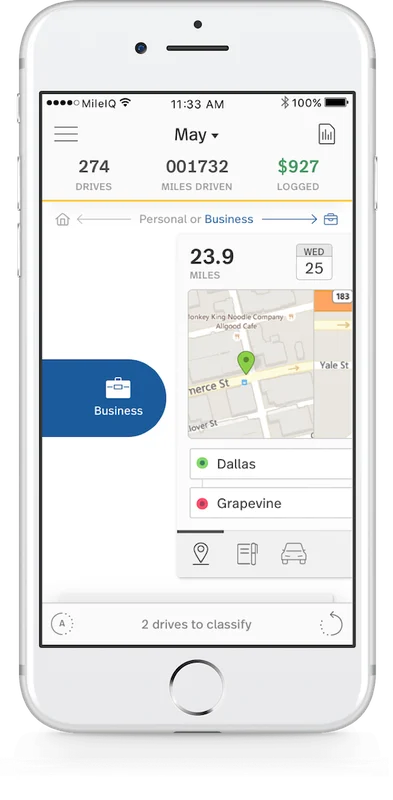
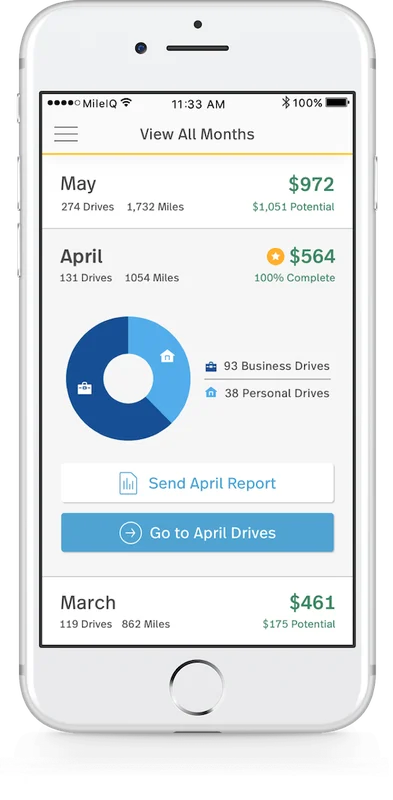
MileIQ takes the chore out of logging business mileage. The app detects drives in the background and turns them into comprehensive mileage records, without the driver lifting a finger. We worked with MileIQ on that mobile experience.
The challenge
Anyone who has kept a paper mileage log knows the problem: people forget. A trip goes unrecorded and the money is lost. MileIQ's promise is that the phone remembers for you.
Keeping that promise is harder than it sounds. The app has to notice a real drive without being told, ignore false starts, and do it all quietly in the background while sipping as little battery as possible. It also handles location data, which people rightly care about, so every permission has to be respected.
The engineering behind automatic tracking
Telling a drive from a false start
Background detection has to decide when movement is a real trip and when it is a walk to the car park or a short hop that shouldn't count. Getting that wrong in either direction erodes trust quickly.
Records people can rely on
A mileage record is only useful if the trips are complete and in the right order. Drivers also need an easy way to review a trip and correct it when the app guessed wrong.
Living within iOS and Android rules
The two platforms handle location permissions and background execution differently. A tracking app has to work within both sets of rules while staying light on the battery.
How a drive becomes a mileage record
From phone sensors to a reviewed trip in the driver's log.
Conceptual workflow
- Mobile device
- Location + movement data
- Trip detection
- Mileage history
- User review
How we'd build this today
The same app, built with Cortex today
We started using Cortex well after this engagement. For a background tracking app like MileIQ, here is what it would change:
- Synthetic drives. We'd generate movement datasets for commutes, traffic jams, tunnels and phone restarts, then replay them on every build to catch detection regressions early.
- A device matrix on autopilot. Cortex would run permission and background-execution scenarios across iOS and Android versions, including the case where a user downgrades location access mid-week.
- Trip-record checks. Automated tests would confirm duplicate trip segments are rejected and trip order stays correct across time-zone changes.
- Privacy by default. Location data would stay behind role-based access, and retention rules would be tested like any other feature.
Engineers would review every change, and a person signs off before an update reaches the app stores.
Frequently asked questions
What does MileIQ do?
It detects drives automatically in the background and creates comprehensive mileage records, so drivers don't have to log trips by hand.
Why is background tracking hard to get right?
The app has to recognize real drives, respect location permissions on two different platforms and protect battery life, all without the user opening it.
Was Cortex used on the original project?
No. Cortex arrived years later; the section above is how we'd tackle the same problem now.
Got a mobile product that runs in the background?
Tell us what your app needs to notice and when. We'll start from the hard edges: permissions, battery and the moments users need to correct it.
More: Our work · How we deliver